Open Source · Side Projects

I turn EPUBs into
audiobooks I actually
want to listen to.

A local-first pipeline on Apple Silicon that converts any DRM-free e-book to audio — synced word-by-word to a native iOS reader.

Swift / SwiftUI Python / MLX Apple Silicon On-device TTS No cloud

BooksApp icon

iOS App · Open Source

BooksApp

A native iOS audiobook player with word-by-word highlighting synced to the audio. Every word is a timestamp.

View on GitHub
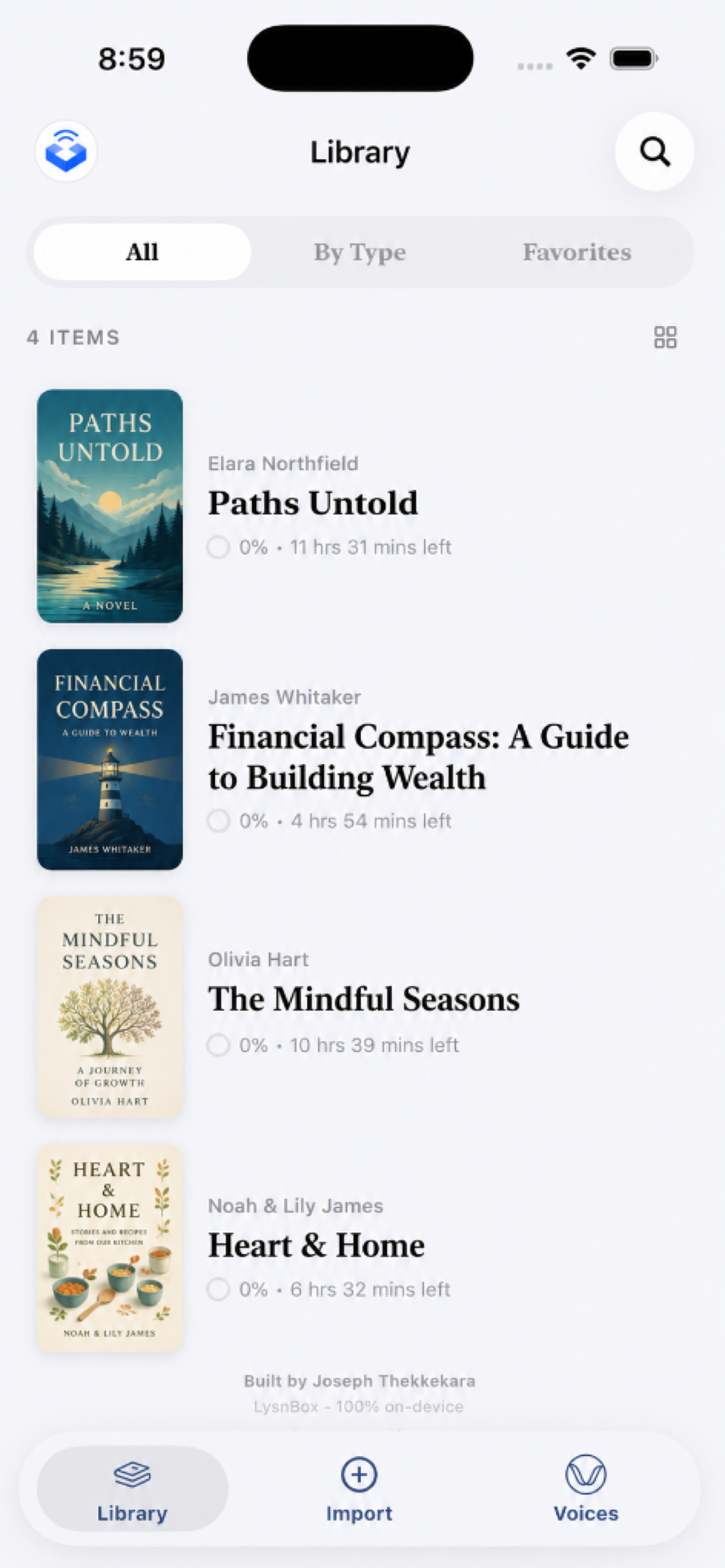
BooksApp library view

Library

BooksApp book detail

Book detail

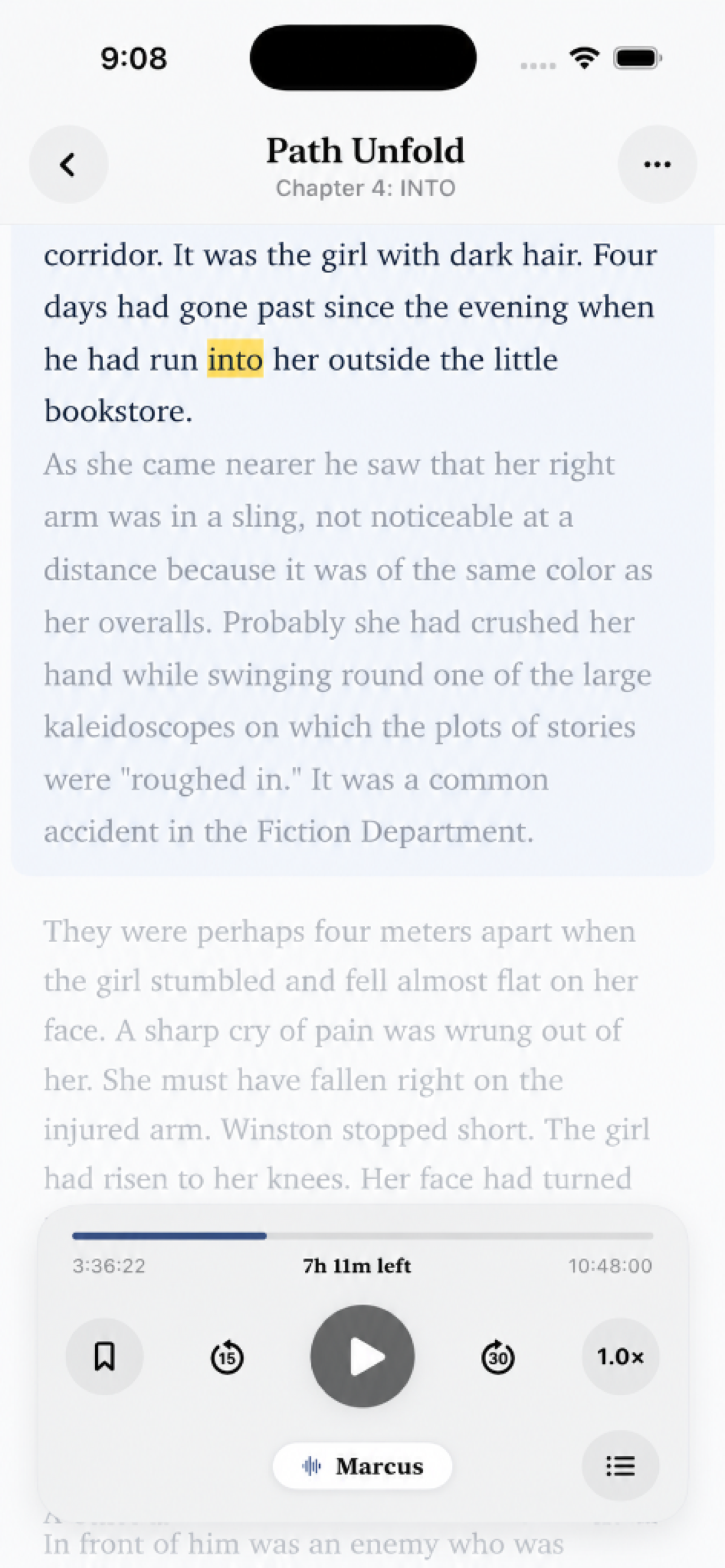
BooksApp reader with word highlighting

Word-synced reader

Word-level sync

Each word is highlighted in real-time as it's spoken. Powered by per-word timestamps baked into the audiobook at conversion time.

Fully offline

No accounts, no cloud, no internet required. Your library lives on-device — playback works anywhere, anytime.

Native SwiftUI

Built with SwiftUI + @Observable. AVPlayer drives playback with a 100ms time observer ticking the reader forward.

Readable typography

Justified, serif-set text at adjustable sizes. Reading and listening at the same time without eye strain.

Smart controls

Skip ±30s, chapter navigation, sleep timer, speed controls. Controls auto-hide 5s after playback starts.

EPUB import

Import an EPUB with media overlay produced by Jolium. Word timings, cover art, and chapters are all embedded — no extra files needed.

Live demo

See it in action

Every word highlighted as the narrator speaks it — in real time. Scroll to this section and the demo plays automatically.

Word-level timestamps baked in at conversion time

Current sentence highlighted in the background

100ms AVPlayer observer keeps sync pixel-perfect


Jolium app icon

macOS App · Open Source

Jolium

A native Mac audiobook converter and player with an Immersive Reader — word-by-word highlighting synced to audio, on the desktop.

View on GitHub
Jolium audiobook library

Library

Jolium conversion settings — voice, format, chapters

Convert settings

Jolium Immersive Reader with word highlighting

Immersive Reader

EPUB to audiobook

Drop any DRM-free EPUB, pick a voice and output format, hit Convert. Kokoro TTS runs entirely on-device via MLX.

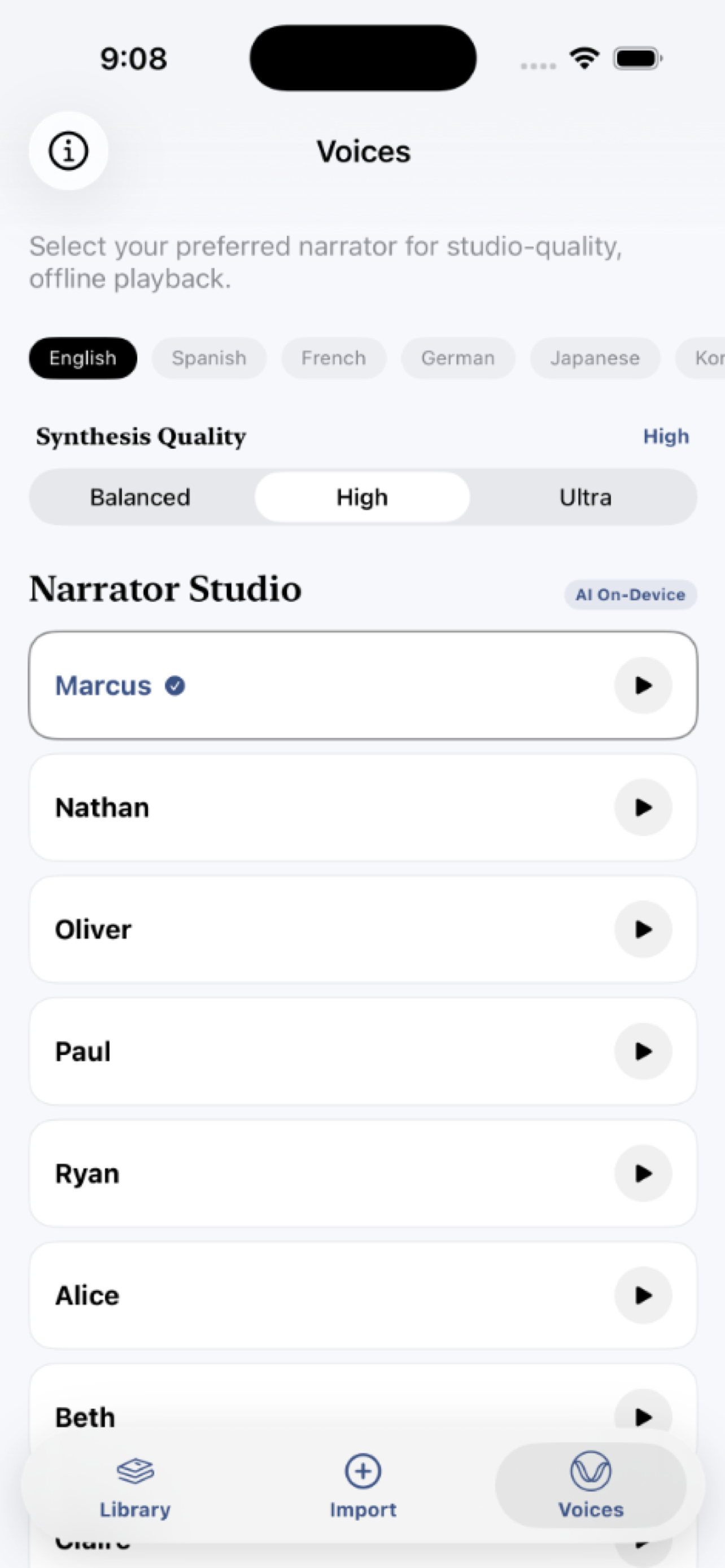
Voice & format control

Choose from multiple Kokoro voices, preview them before converting, and output as EPUB with media overlay or M4B.

Library

Browse your converted audiobooks with cover art, author, and duration. Sorted by recently added with search built in.

Immersive Reader

Full-screen reading view with every word highlighted in sync with the audio — word-timing baked in at conversion time.

Playback controls

Skip ±30s, scrubable progress bar, speed control, chapter list, and a persistent mini-player — all native macOS.

Typography

Adjustable font size in the Immersive Reader. Justified serif text on a soft paper-white background — easy on the eyes for long sessions.


Under the hood

The pipeline

A Python CLI that takes a DRM-free EPUB and produces a word-timed audiobook — all on-device, no API calls.

📖
EPUB
🔍
Parse
🎙
Kokoro TTS
🎯
Whisper align
📦
Package
🎧
EPUB / M4B
.epub With media overlay

An EPUB 3 with a full media overlay — audio and per-word timing embedded directly in the file. Opens in Jolium or BooksApp with live word highlighting.

→ Jolium · BooksApp · Apple Books

.m4b Standard audiobook

A chaptered M4B file — the universal audiobook format. Compatible with Apple Books, Music, and any audiobook player.

→ Apple Books / Music

Stack

MLX-Audio (Kokoro 82M) mlx-whisper ebooklib ffmpeg uv Python 3.12 SwiftUI AVFoundation